
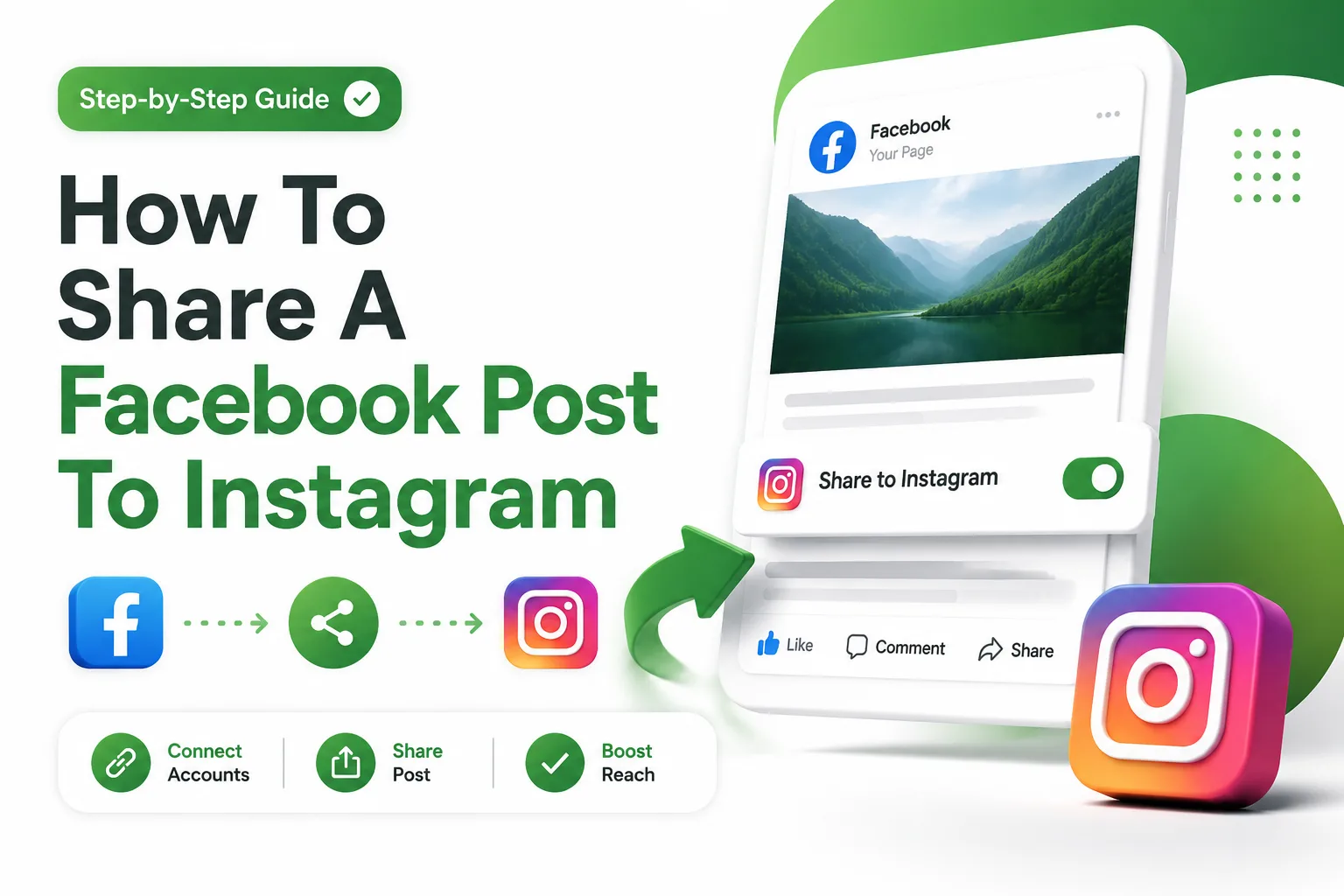
Sharing content between platforms has become a core part of modern social media strategy. Many users want to understand how to share a Facebook post to Instagram in a simple and effective way. This helps save time and maintain consistent branding across channels.
Platforms like Facebook and Instagram, both owned by Meta Platforms, offer built-in tools that allow seamless content sharing. These tools reduce manual effort and help users publish content across networks efficiently.
Cross-posting is especially useful for businesses, influencers, and content creators. It ensures that the same message reaches audiences on both platforms without needing to create separate posts repeatedly.
Why Cross Posting Between Facebook and Instagram Matters
Cross posting improves visibility and strengthens your digital presence. When you share content across Facebook and Instagram, you increase the chances of reaching different audience segments who prefer different platforms.
It also ensures consistency in branding and messaging. Instead of managing separate content strategies, users can maintain a unified identity that looks professional and trustworthy across platforms.
For businesses, this approach saves time and resources. It reduces repetitive posting tasks and allows teams to focus more on content quality and engagement strategy.
- Increased audience reach across two major platforms
- Time-saving content distribution process
- Stronger brand consistency across channels
- Better engagement opportunities from different user groups
- Improved content performance tracking
Requirements Before Sharing Posts Across Platforms
Before learning how to share a Facebook post to Instagram, certain requirements must be met. First, both accounts must be properly connected through Meta’s system.
Users should also ensure that their Instagram account is either a professional or creator account. This enables access to advanced sharing and analytics features.
A stable internet connection and updated apps are also necessary. Outdated versions of Facebook or Instagram may not show cross-posting options correctly.
Proper account permissions are equally important. Admin access may be required for business pages to enable sharing features.
Connecting Facebook and Instagram Through Accounts Center
The main step in enabling cross-posting is connecting accounts through Accounts Center. This tool allows users to manage both Facebook and Instagram from one place.
Inside settings, users can link their profiles and enable sharing permissions. Once connected, posts can be shared automatically or manually during the posting process.
This integration ensures smooth communication between both platforms. It also helps maintain consistent post formatting and media quality.
- Open Facebook settings and access Accounts Center
- Add your Instagram account details
- Confirm login verification for both platforms
- Enable cross-posting permissions
- Save changes to activate integration
Sharing Facebook Posts Directly to Instagram
Once accounts are connected, sharing becomes simple. When creating a post on Facebook, users will see an option to share it to Instagram before publishing.
By selecting this option, the same content is automatically adapted for Instagram. This includes images, captions, and basic formatting adjustments.
This method is useful for personal profiles, pages, and businesses that want quick distribution without extra steps or manual uploads.
Sharing Posts from Facebook Business Pages
Business pages offer more advanced sharing options. Admins can publish posts on Facebook Pages and simultaneously distribute them to Instagram business accounts.
This feature is especially useful for marketing campaigns. It ensures that promotional content reaches both audiences at the same time.
It also helps maintain consistent campaign messaging across platforms, which improves brand recognition and engagement rates.
Managing Stories and Reels Cross Posting
Cross posting is not limited to feed posts. Users can also share stories and reels between Facebook and Instagram with proper settings enabled.
This feature allows short-form content to reach wider audiences. It is particularly useful for viral content and real-time updates.
Stories and reels often perform better when shared across platforms because they increase content visibility in different discovery feeds.
Troubleshooting Missing Sharing Options
Sometimes users may not see the option to share a Facebook post to Instagram. This usually happens due to missing account connections or outdated apps.
Another common issue is incorrect account type settings. Personal accounts may not support full cross-posting features compared to professional accounts.
Refreshing settings, updating apps, or reconnecting Accounts Center often resolves these issues quickly and restores sharing functionality.
Optimizing Post Format for Instagram Audience
Even though posts are shared directly, optimization is still important. Instagram users prefer visually appealing and concise content compared to Facebook audiences.
Adjusting captions, hashtags, and image ratios helps improve engagement. Proper formatting ensures that content performs well on both platforms.
Understanding audience behavior is key to maximizing the effectiveness of cross-posted content.
Best Time Strategy for Cross Platform Posting
Timing plays a major role in content performance. Posting at the right time increases visibility and engagement across both platforms.
Facebook and Instagram have different peak activity hours. Scheduling posts during overlapping active periods can improve results significantly.
Businesses often use analytics tools to identify the best posting times for their specific audience segments.
Using Automation Tools for Scheduling
Automation tools can simplify cross-posting even further. These tools allow users to schedule posts in advance and publish them simultaneously on Facebook and Instagram.
This is especially helpful for businesses managing multiple campaigns. It ensures consistency without requiring manual posting every time.
Internal resource: /blog/social-media-automation-tools
Automation also reduces errors and helps maintain a steady content flow across platforms.
Tracking Performance Across Platforms
After sharing posts, tracking performance is important. Insights from both Facebook and Instagram help understand how content is performing.
Engagement metrics like likes, shares, comments, and reach provide valuable feedback for future content strategies.
This data helps businesses improve their content approach and optimize future cross-posting efforts.
Common Mistakes to Avoid in Cross Posting
Many users make mistakes while trying to share content between platforms. These mistakes can reduce engagement and visibility significantly.
Avoiding these issues ensures better performance and smoother workflow across both Facebook and Instagram.
- Not connecting Accounts Center properly
- Using mismatched image sizes
- Ignoring platform-specific audience behavior
- Posting without checking captions
- Overusing irrelevant hashtags
Advanced Use Cases for Businesses
Businesses can use cross-posting for more than just content sharing. It can support marketing campaigns, product launches, and brand storytelling strategies.
By maintaining consistent messaging across Facebook and Instagram, brands can strengthen their identity and improve customer trust.
This approach is especially useful for e-commerce, service providers, and digital marketers looking to scale their reach efficiently.
Conclusion
How to share a Facebook post to Instagram helps users streamline content distribution and improve social media efficiency. It reduces manual work while ensuring consistent messaging across platforms.
With proper setup and strategy, cross-posting becomes a powerful tool for creators and businesses aiming to grow their online presence effectively.
FAQ’S
Can I share Facebook posts to Instagram automatically
Yes, once Accounts Center is set up, users can enable automatic sharing of Facebook posts to Instagram. This allows seamless publishing across both platforms without repeating manual uploads or edits.
Why is my Instagram share option missing
This usually happens when accounts are not connected properly or apps are outdated. Checking Accounts Center settings and updating both apps typically restores the missing sharing option.
Do I need a business account for cross posting
A business or creator account is recommended for full cross-posting features. Personal accounts may have limited access depending on platform settings and regional availability.
Can I edit posts after sharing them
Yes, posts can be edited, but changes may not always sync perfectly across both platforms. It is best to review content carefully before publishing to avoid inconsistencies.
Does cross posting affect engagement
Cross posting does not directly reduce engagement, but optimizing content for each platform improves performance. Adjusting captions and visuals helps maintain better audience interaction on both Facebook and Instagram.
0 Comments