
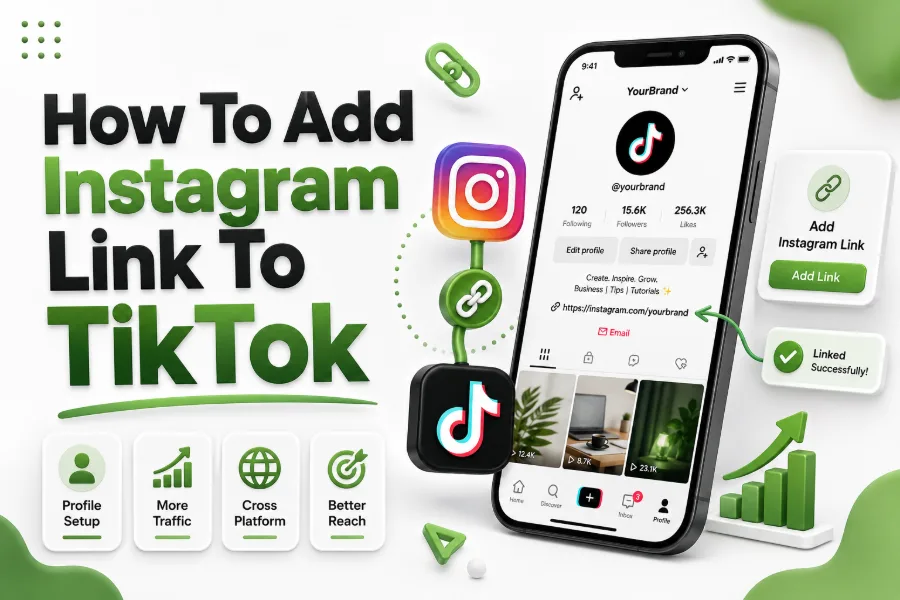
Before learning how to add instagram link to tiktok, it is important to ensure your profile is properly set up. A complete and professional profile increases trust and encourages users to explore your linked social accounts.
Make sure your profile includes a clear profile picture, engaging bio, and relevant niche keywords. These elements help visitors understand your content and motivate them to click your Instagram link for more value.
Switching to a business or creator account can unlock additional features. These account types often provide better linking options and analytics that help you track performance across platforms effectively.
Step-by-Step Process to Add Instagram Link
Adding your Instagram link to TikTok is simple when you follow the correct steps. Start by opening your TikTok profile and navigating to the “Edit Profile” section from your account dashboard.
Inside the profile settings, you will find the option to add your Instagram account. Tap on it and log in to your Instagram account to connect both platforms seamlessly.
Once connected, your Instagram icon will appear on your TikTok profile. This allows viewers to visit your Instagram directly, helping you build a stronger cross-platform presence.
Quick Steps to Follow
- Open TikTok profile
- Tap “Edit Profile”
- Select “Add Instagram”
- Log in to your Instagram account
- Confirm and save changes
Optimizing Your Bio for Better Click-Through
Your bio plays a major role in encouraging users to click your Instagram link. Keep your bio short, engaging, and clearly explain what value users will get by visiting your Instagram profile.
Use action-oriented language such as “Follow on Instagram for more tips” or “Exclusive content on Instagram.” This creates curiosity and motivates users to take the next step.
Avoid cluttering your bio with too much information. A clean and focused message improves readability and increases the chances of users clicking your linked account.
Using Content Strategy to Drive Instagram Traffic
Simply adding a link is not enough. You need a content strategy that encourages users to visit your Instagram profile. Mention your Instagram in videos and captions to guide viewers.
Create teaser content on TikTok and direct users to Instagram for full content. This approach builds curiosity and drives traffic between platforms effectively.
Consistency in messaging is important. Regularly reminding your audience about your Instagram presence helps increase awareness and boosts your follower growth across both platforms.
Content Ideas That Work
- Teaser videos for Instagram posts
- Behind-the-scenes clips
- Exclusive content previews
- Cross-platform giveaways
- Call-to-action in captions
Leveraging TikTok Features to Promote Instagram
TikTok offers several features that can help you promote your Instagram account. Use video captions, pinned videos, and comments to highlight your Instagram link and encourage clicks.
Pinned videos are especially useful for showcasing important information. You can create a dedicated video explaining why users should follow you on Instagram and pin it to your profile.
Engaging with comments also helps. When users ask questions, you can guide them to your Instagram for detailed answers or additional content, increasing traffic naturally.
Maintaining Consistent Branding Across Platforms
Consistency in branding builds trust and recognition. Use the same profile picture, username, and color themes on both TikTok and Instagram to create a seamless experience for your audience.
When users move from TikTok to Instagram, they should instantly recognize your brand. This reduces confusion and increases the likelihood of them following your account.
Your content style should also align across platforms. Maintaining a consistent tone, visuals, and messaging strengthens your overall brand identity and improves audience loyalty.
Branding Consistency Checklist
- Same username on both platforms
- Matching profile images
- Consistent color themes
- Similar content style
- Unified brand messaging
Tracking Performance and Improving Results
Tracking your performance helps you understand how effective your Instagram link is. Monitor your follower growth, engagement, and traffic sources to evaluate your strategy.
TikTok analytics can provide insights into profile visits and engagement rates. These metrics help you identify what type of content drives the most traffic to your Instagram account.
Regularly reviewing your performance allows you to make improvements. Adjust your content, bio, and call-to-action based on data to achieve better results over time.
Avoiding Common Mistakes When Linking Instagram
Many users make simple mistakes that reduce the effectiveness of their Instagram link. One common issue is not having a clear call-to-action, which leads to fewer clicks and lower engagement.
Another mistake is inconsistent posting. If your Instagram profile is inactive, users are less likely to follow you even if they click the link from TikTok.
Ensure your Instagram content is high-quality and regularly updated. A strong profile encourages visitors to stay and follow, maximizing the benefits of linking both platforms.
Integrating Instagram Link With Overall Growth Strategy
Adding your Instagram link should be part of a larger growth strategy. Combine it with consistent content creation, audience engagement, and smart hashtag usage to maximize results.
You can also explore related strategies like how to add more hashtags on tiktok to increase visibility and attract more users who may click on your Instagram link.
By integrating multiple strategies, you create a strong ecosystem that supports growth across both TikTok and Instagram, leading to better long-term success.
Conclusion
Understanding how to add instagram link to tiktok helps you connect your social platforms and expand your reach. By optimizing your profile, creating engaging content, and maintaining consistent branding, you can drive more traffic to your Instagram account and grow your audience effectively.
FAQ
Why can’t I see the Instagram linking option on TikTok
The option may not appear if you are using a personal account. Switching to a business or creator account can unlock the feature and allow you to connect your Instagram profile easily.
Is adding an Instagram link to TikTok free
Yes, adding your Instagram link is completely free. You only need a TikTok account and an Instagram account to connect both platforms without any additional cost.
Can I add multiple social links on TikTok
TikTok mainly allows linking Instagram and YouTube directly. For multiple links, you may need to use the website field or a link-in-bio tool for better flexibility.
Does linking Instagram increase followers
Linking Instagram can increase followers if combined with strong content and clear calls-to-action. Simply adding the link is not enough without encouraging users to visit your profile.
How often should I promote my Instagram on TikTok
Promote your Instagram regularly but naturally. Mention it in relevant videos and captions without overdoing it, ensuring your content remains engaging and valuable to your audience.
0 Comments